Menu

CART
Shop
Plugin
mobGlow Photoshop Plugin
mobGlow Photoshop Plugin
mobGlow Photoshop Plugin
[Description]
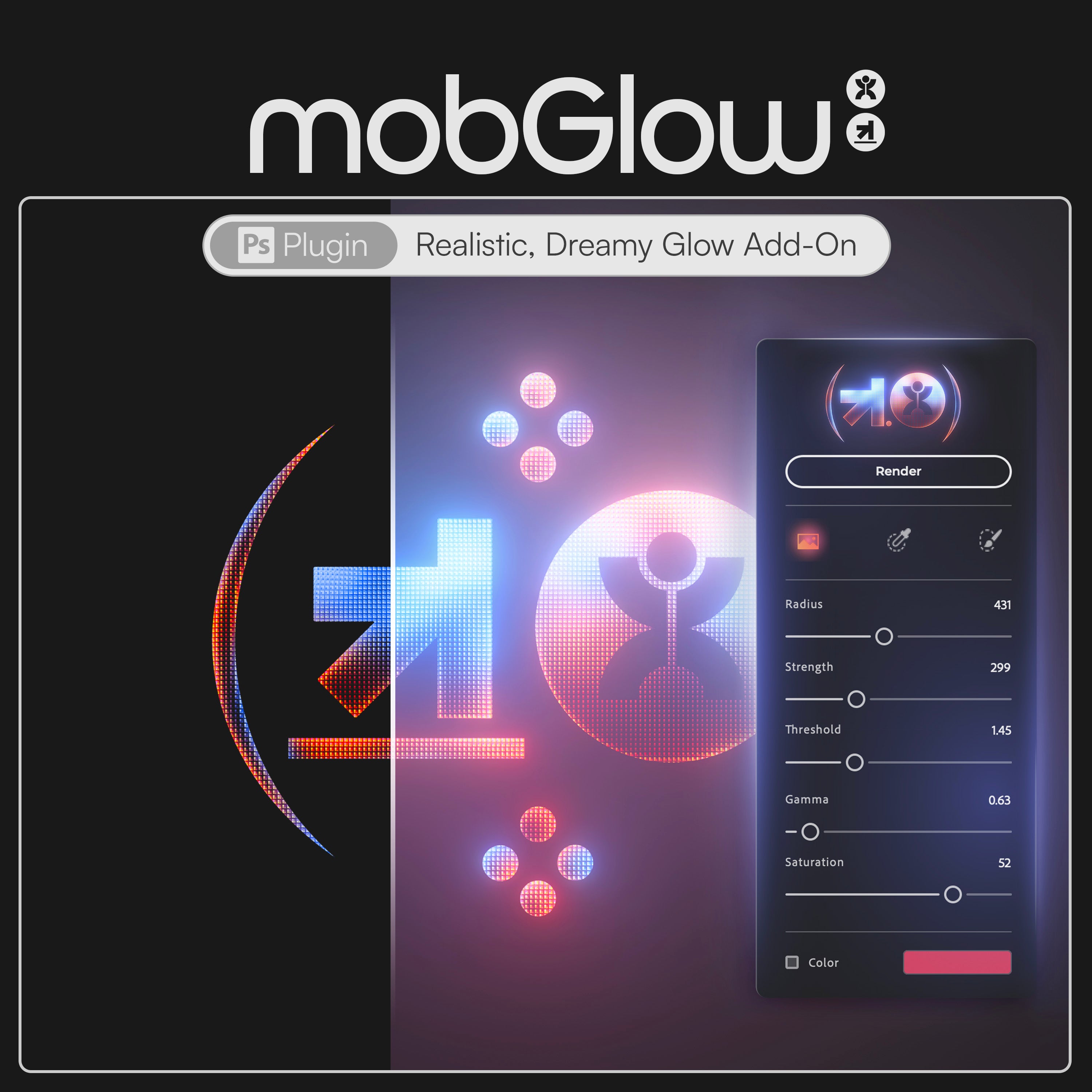
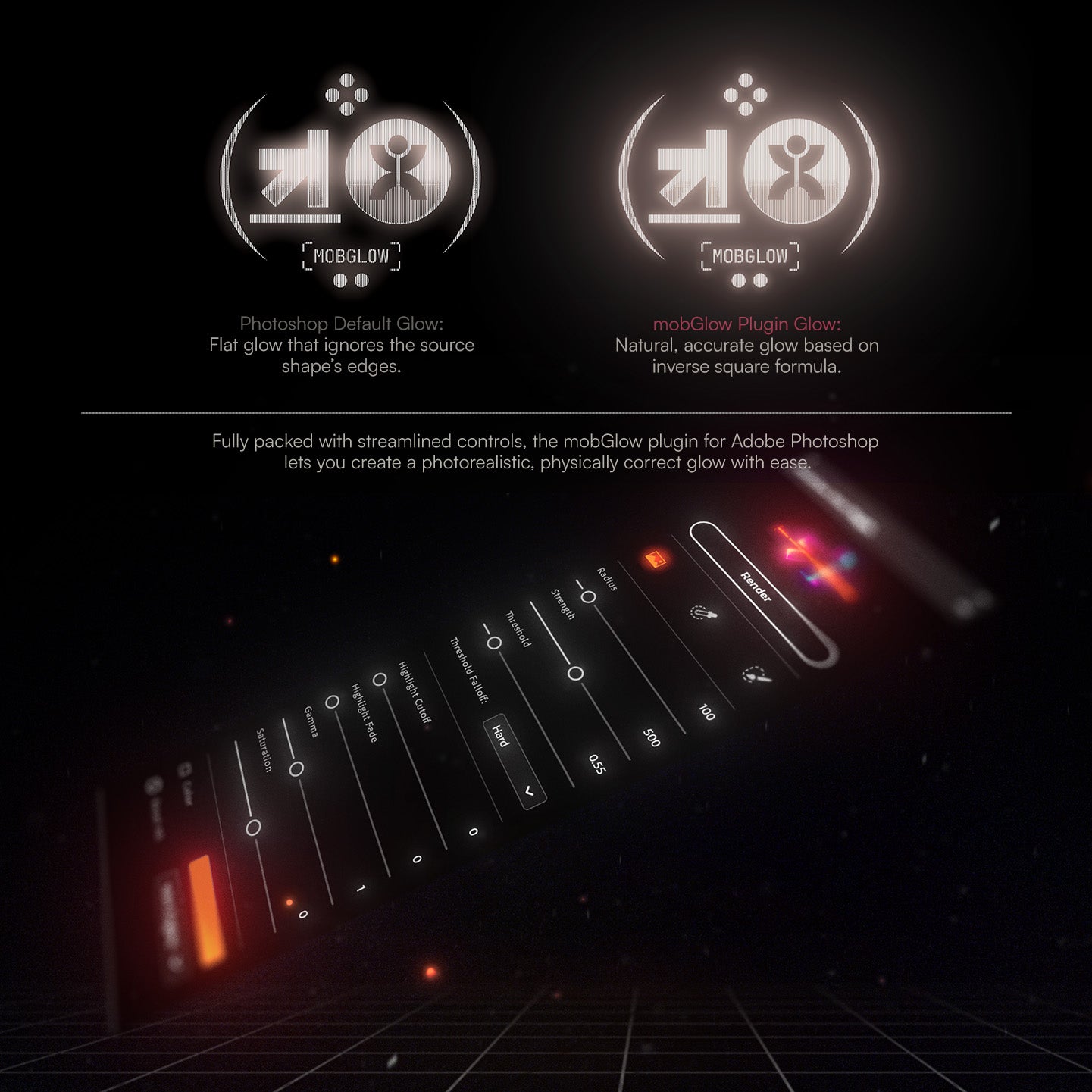
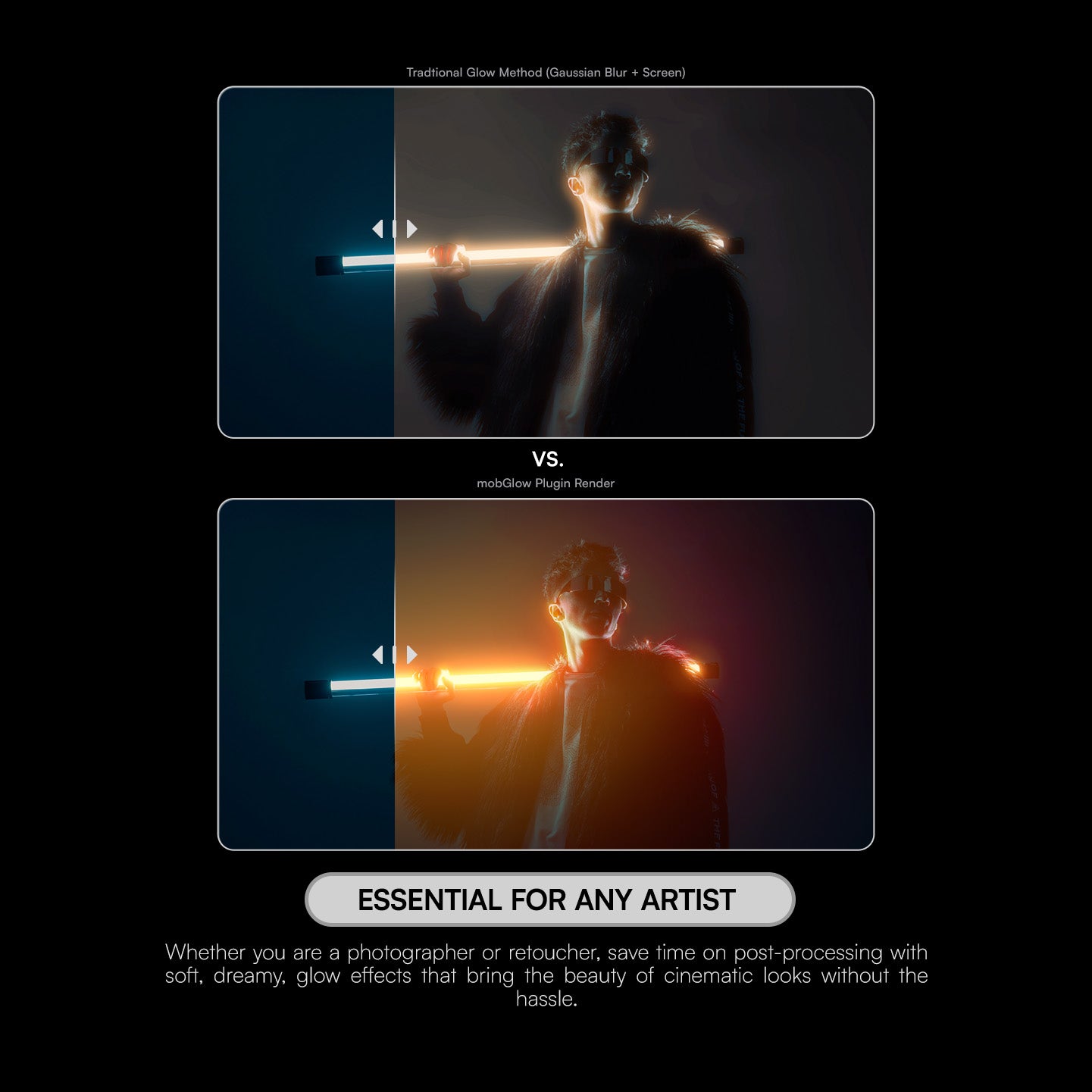
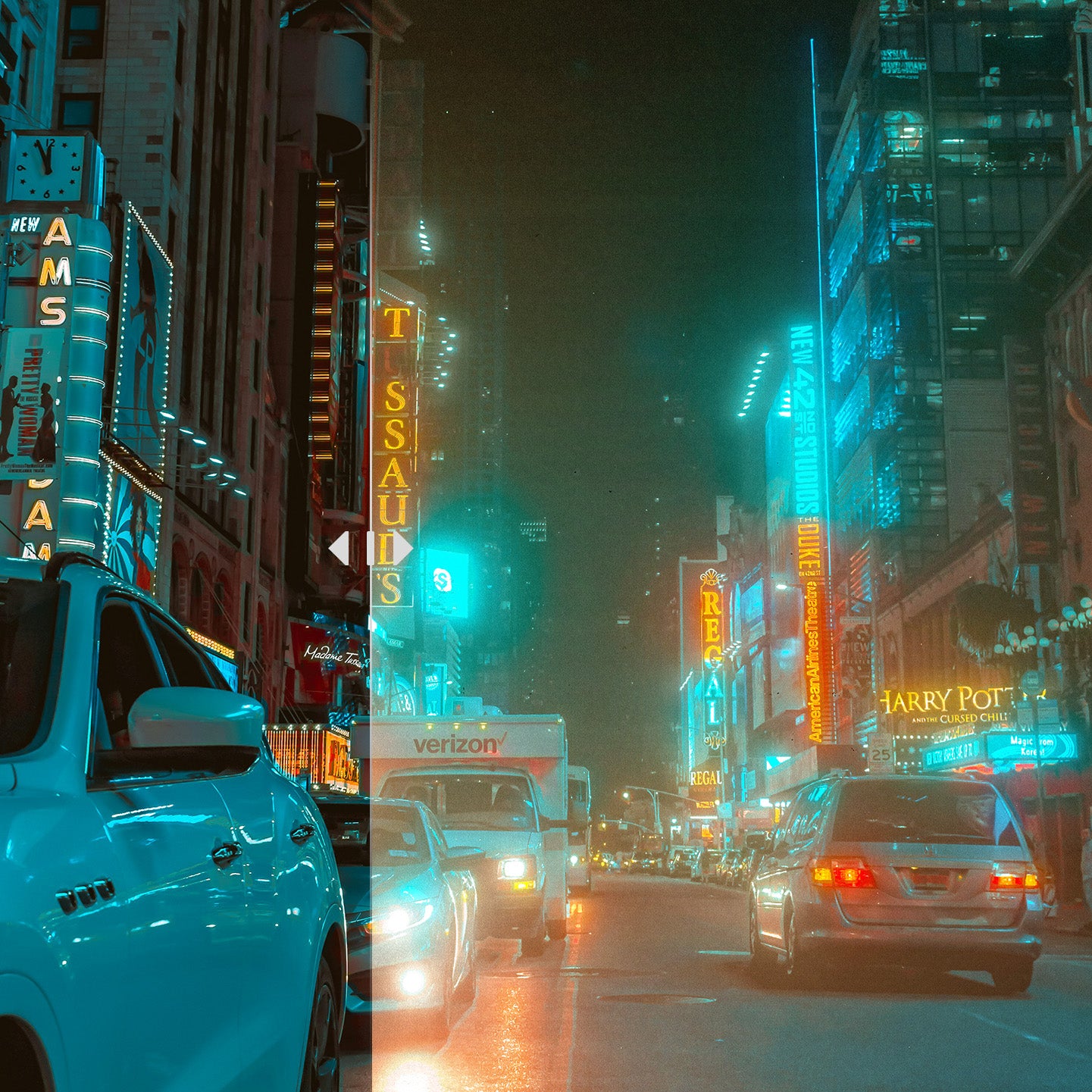
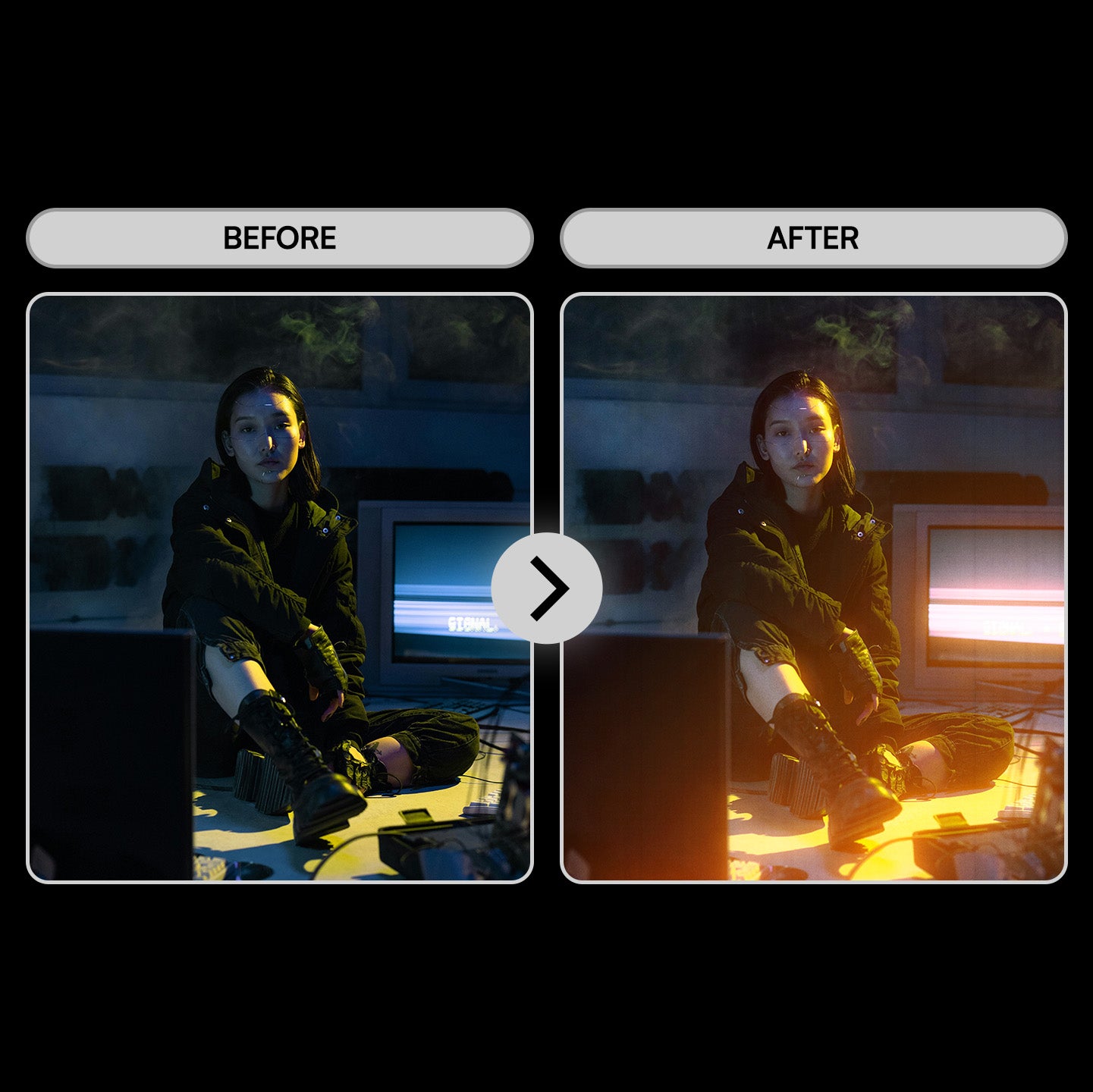
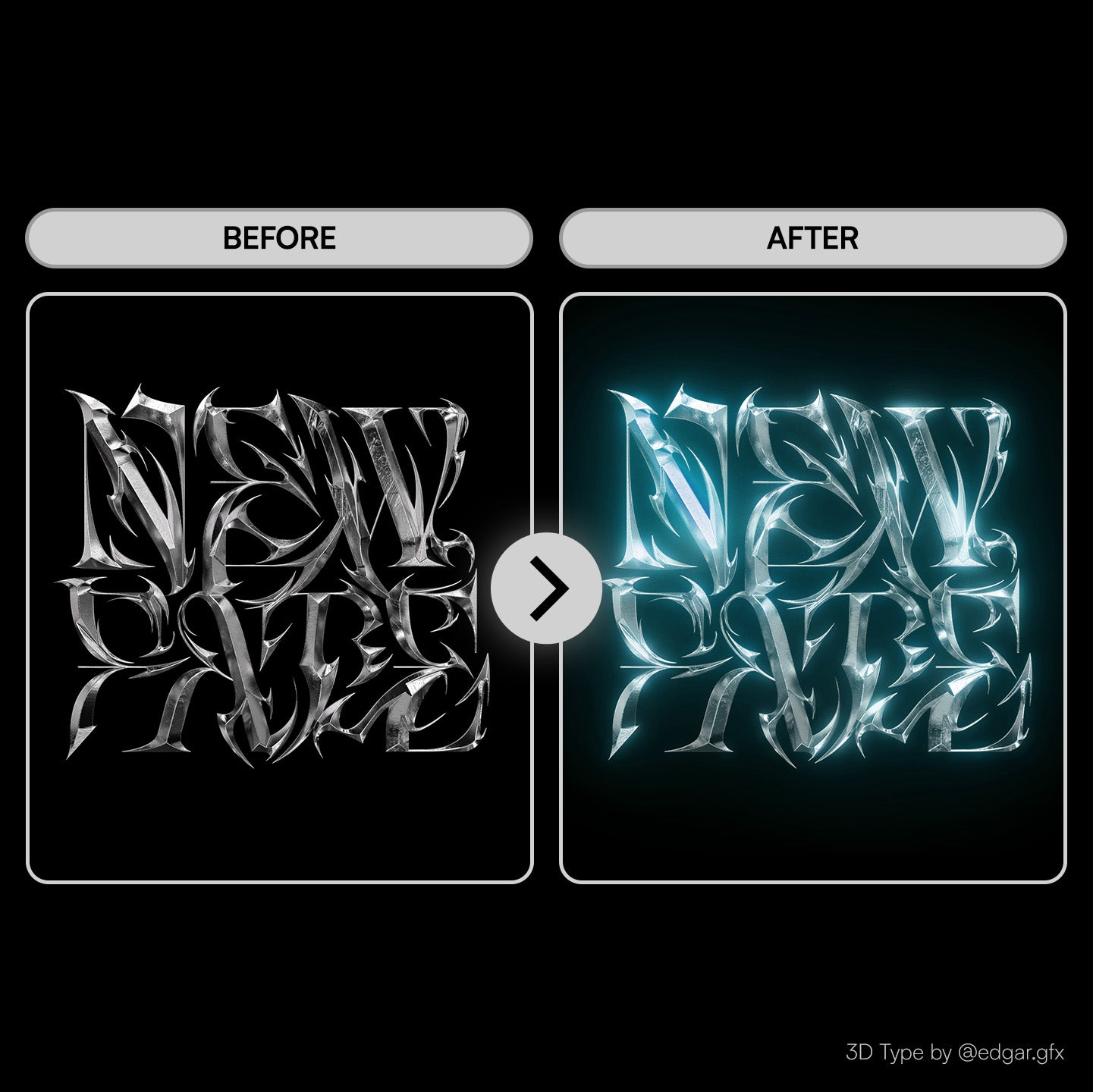
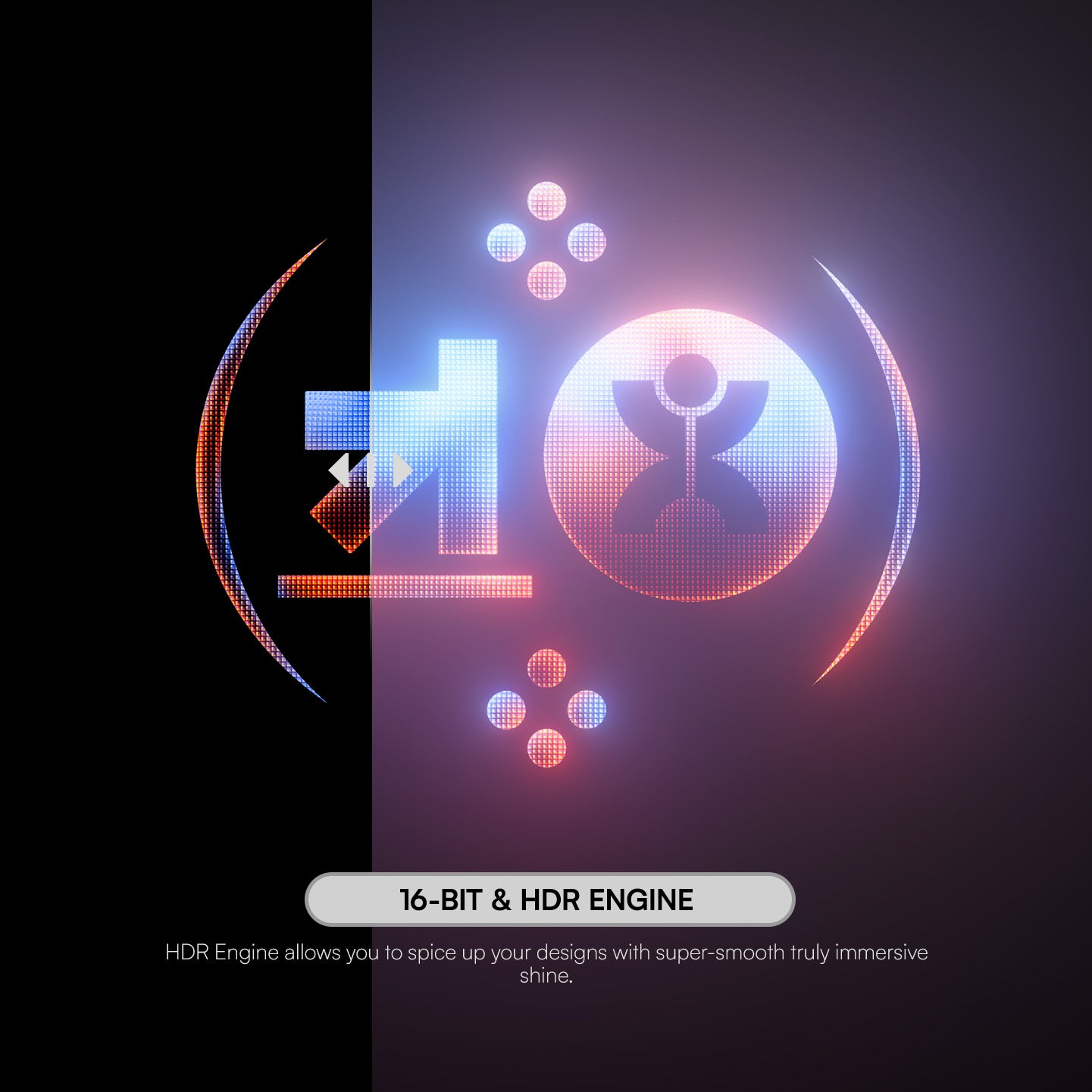
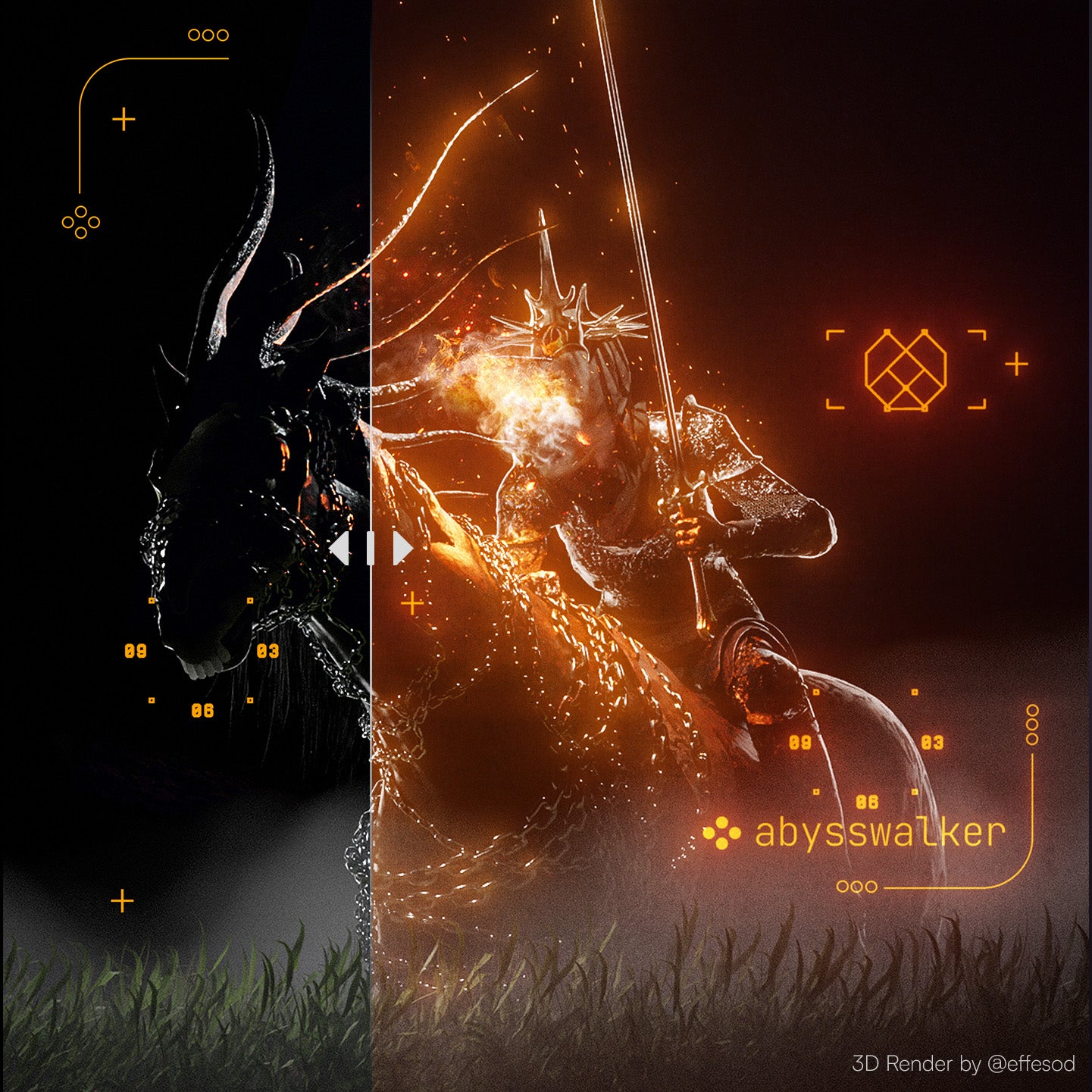
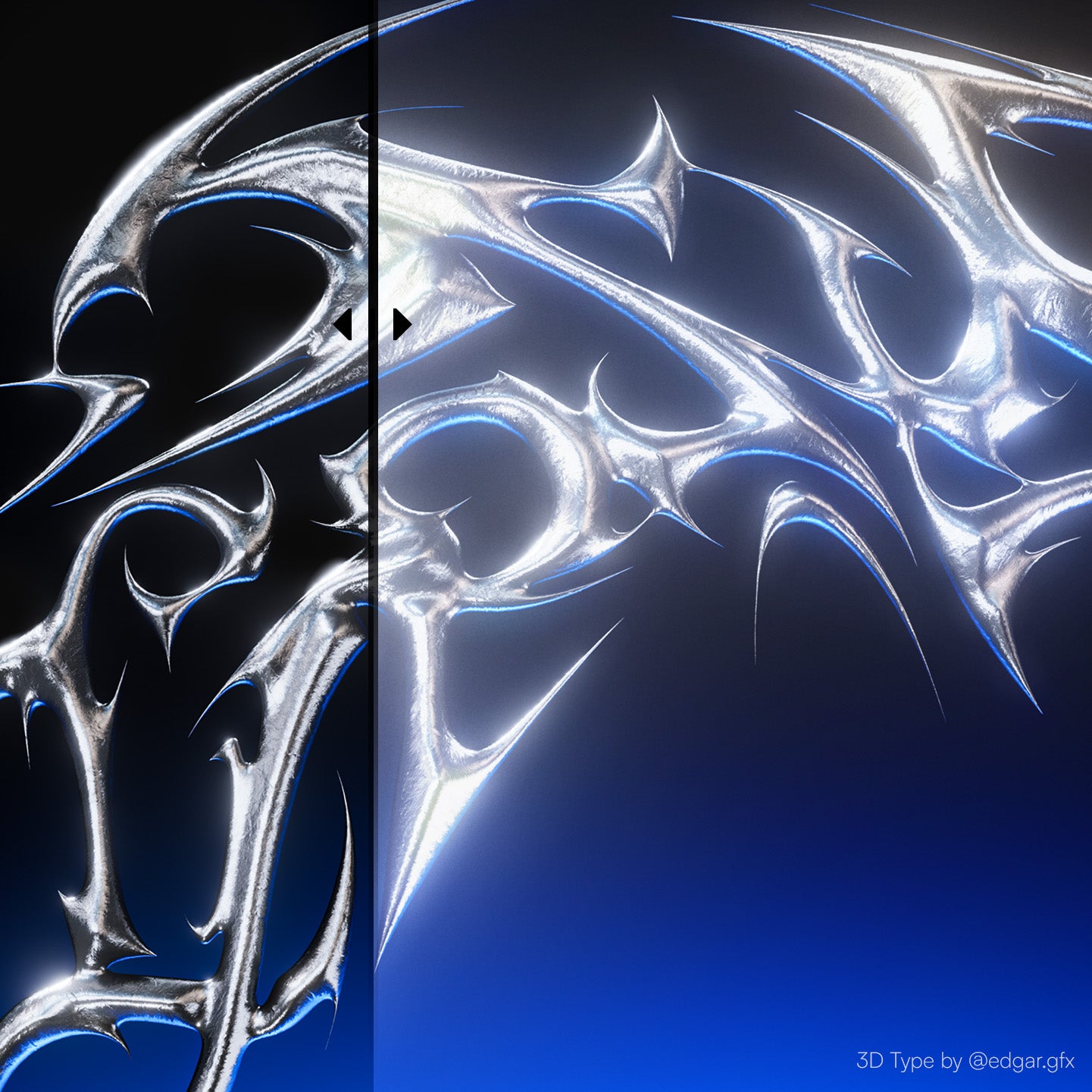
mobGlow Mini is the Photoshop Plugin that lets you create dreamy, photorealistic glows in the click of a button. Based on the physically correct inverse square fall-off, you can make your photos and graphics shine through the screen.
Easily re-create soft, dreamy, glowing effects that bring out the beauty of old movies and cinematic film looks captured using diffusion filter lenses. Whether you are designing graphics, editing photos, or compositing CG elements, mobGlow is the perfect tool to add a touch of magic to your creations.
This product is brought to you in collaboration between Doron Supply & BangingJoints.
FEATURES:
Threshold Slider & Fall-off Modes:
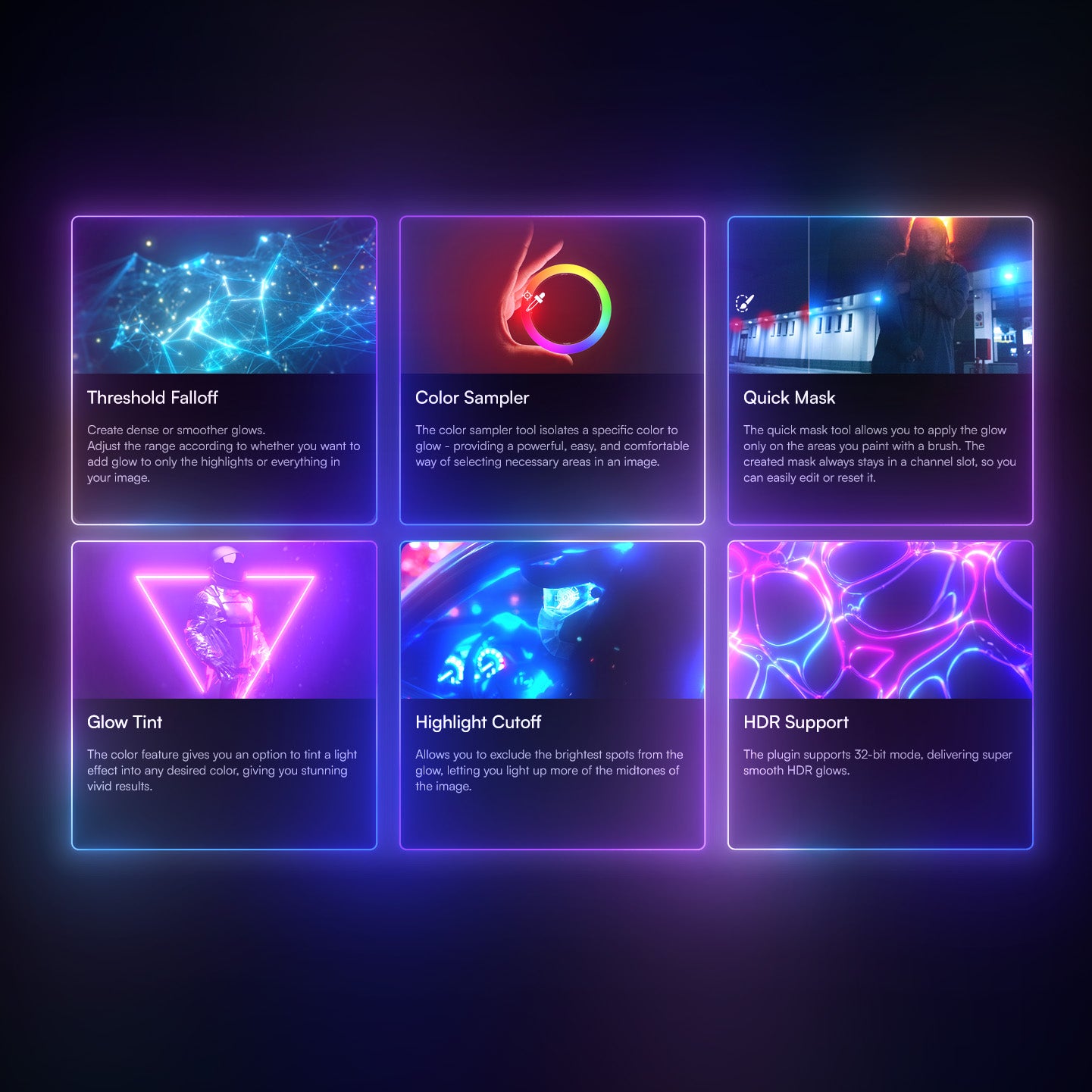
Create dense, shining glows or soft rolling haze using the Threshold Slider to choose how much of your artwork's highlights to be affected, and the Hard, Smooth, & Soft Fall-off modes to choose how the glow spreads across those values.
Color Tint:
Tint the light effect to any desired color, giving you stunning vivid results.
Color Sampler:
Choose & isolate a specific color within your artwork to glow, providing a powerful, easy, and comfortable way of selecting necessary image areas.
Quick Mask Tool:
Allows you to apply the glow only on the areas you paint with a brush. The created mask stays in a channel slot, so you can easily edit or reset it.
Non-destructive Workflow:
You may render as many glows as you want, and edit them if needed.
Simply select the glow you would like to edit, hit "Render" and the plugin restores all the settings for this light effect, so you can proceed editing from where you left off.
Highlight Cutoff, Fade, Gamma, & Saturation Sliders:
Exclude the brightest spots from the glow and light up only the mid-tone parts of the image with the Highlight Cutoff slider, and decrease the overexposed core of the glow with the Built-in Highlight Fade control.
Adjust the brightness and saturation of the glow with the Gamma & Saturation sliders.
COMPATIBILITY:
• Mac & PC (including M-chip Apple computers).
• Photoshop 24.0+.
To find out your Adobe Photoshop version
Go to: Help -- System Info
LANGUAGES:
• Supports any Photoshop language.
WHAT’S INCLUDED:
• 1 .ccx Plugin.
• 1 Pdf Guide.
• VIEW VIDEO DEMO HERE:
mobGlow Mini is the Photoshop Plugin that lets you create dreamy, photorealistic glows in the click of a button. Based on the physically correct inverse square fall-off, you can make your photos and graphics shine through the screen.
Easily re-create soft, dreamy, glowing effects that bring out the beauty of old movies and cinematic film looks captured using diffusion filter lenses. Whether you are designing graphics, editing photos, or compositing CG elements, mobGlow is the perfect tool to add a touch of magic to your creations.
This product is brought to you in collaboration between Doron Supply & BangingJoints.
FEATURES:
Threshold Slider & Fall-off Modes:
Create dense, shining glows or soft rolling haze using the Threshold Slider to choose how much of your artwork's highlights to be affected, and the Hard, Smooth, & Soft Fall-off modes to choose how the glow spreads across those values.
Color Tint:
Tint the light effect to any desired color, giving you stunning vivid results.
Color Sampler:
Choose & isolate a specific color within your artwork to glow, providing a powerful, easy, and comfortable way of selecting necessary image areas.
Quick Mask Tool:
Allows you to apply the glow only on the areas you paint with a brush. The created mask stays in a channel slot, so you can easily edit or reset it.
Non-destructive Workflow:
You may render as many glows as you want, and edit them if needed.
Simply select the glow you would like to edit, hit "Render" and the plugin restores all the settings for this light effect, so you can proceed editing from where you left off.
Highlight Cutoff, Fade, Gamma, & Saturation Sliders:
Exclude the brightest spots from the glow and light up only the mid-tone parts of the image with the Highlight Cutoff slider, and decrease the overexposed core of the glow with the Built-in Highlight Fade control.
Adjust the brightness and saturation of the glow with the Gamma & Saturation sliders.
COMPATIBILITY:
• Mac & PC (including M-chip Apple computers).
• Photoshop 24.0+.
To find out your Adobe Photoshop version
Go to: Help -- System Info
LANGUAGES:
• Supports any Photoshop language.
WHAT’S INCLUDED:
• 1 .ccx Plugin.
• 1 Pdf Guide.
• VIEW VIDEO DEMO HERE:
[FEATURES]
Dreamy, realistic glows in one-click
Full Control Suite For Fine-Tuned FX
Adjust The Strength, Radius, Fall-Off, Fade, Gamma, Saturation, Color, etc. From One Panel
Adjustable Glow Colors
Non-Destructive Workflow
[includes]
1 .CCX Photoshop Plugin
PDF Tutorial Booklet
Video Demonstration
[Crowd Favorites]
Designers Also Loved:
Designers Also Loved:
[MISSION]
Professional Design, Made Simple
Professional Design,
Made Simple
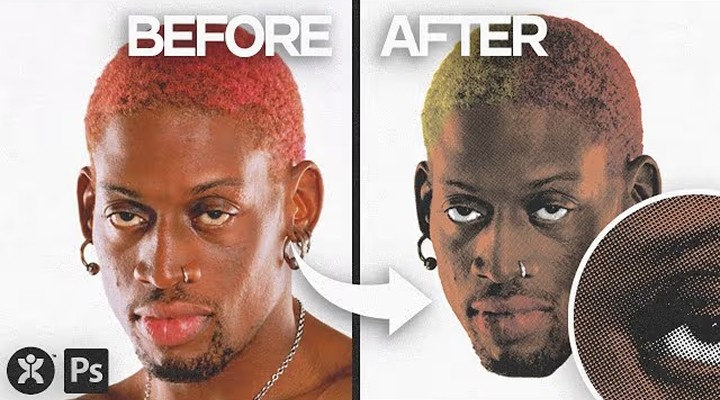
Create A Vintage Halftone Portrait Design in Photoshop 3
2024-12-28T21:47:26
Create A Vintage Halftone Portrait Design in Photoshop 2
2024-12-28T21:47:26
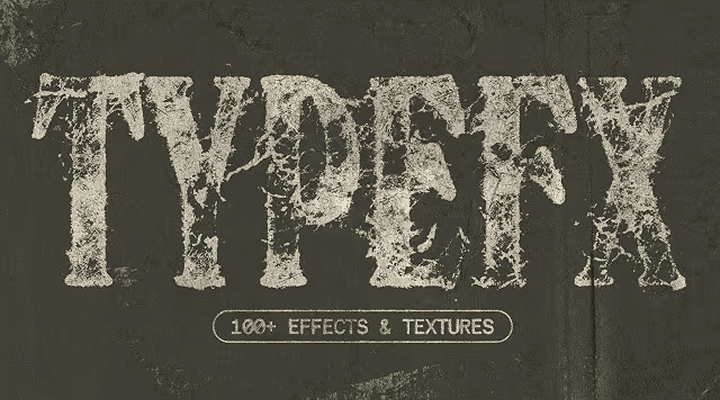
Unlock 100+ Text Distress Effects with This INSANE Photoshop Tool
2024-12-28T21:47:26
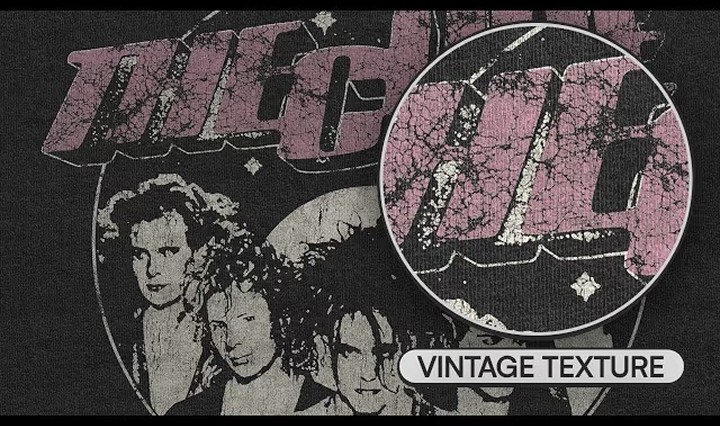
My New Favorite Way To Texture T-Shirt Designs
2024-12-28T21:47:26
Create A Vintage Halftone Portrait Design in Photoshop
2024-12-28T21:47:26
Keep In Touch
Unlock freebies, exclusive sales, and stay up to date on the tools that help you live your design dreams.
Earn $$ Using Our Tools
earn up to $500 by creating content using doron supply tools.
Keep In Touch
Unlock freebies, exclusive sales, and stay up to date on the tools that help you live your design dreams.
Earn $$ Using Our Tools
earn up to $500 by creating content using doron supply tools.
Keep In Touch
Unlock freebies, exclusive sales, and stay up to date on the tools that help you live your design dreams.
Earn $$ Using Our Tools
earn up to $500 by creating content using doron supply tools.
Keep In Touch
Unlock freebies, exclusive sales, and stay up to date on the tools that help you live your design dreams.
Earn $$ Using Our Tools
earn up to $500 by creating content using doron supply tools.